What Is Sabbath Mode on an Oven
If you’re using an oven with Sabbath Mode, you’re working with a special setting designed for religious observance. Sabbath Mode changes how the appliance behaves to comply with specific rules during the Sabbath.
It usually disables timers, alarms, lights, and automatic shutoff, while holding a steady heat level. The controls can seem limited or unresponsive by design.
Before you use it, you’ll want to know exactly what it turns off, how it keeps temperature, and where the safety limits are.
Key Takeaways
- Sabbath Mode is a special oven setting designed to reduce normal electronic actions for religious Sabbath observance.
- It typically disables timers, automatic shutoff, audible alerts, and most touch-control responses.
- The oven usually maintains a steady cooking temperature without requiring frequent interaction.
- Displays are often blank, dimmed, or locked to minimize visible activity cues.
- Because features vary by model, always check the owner’s manual before using Sabbath Mode.
What Is Sabbath Mode on an Oven?
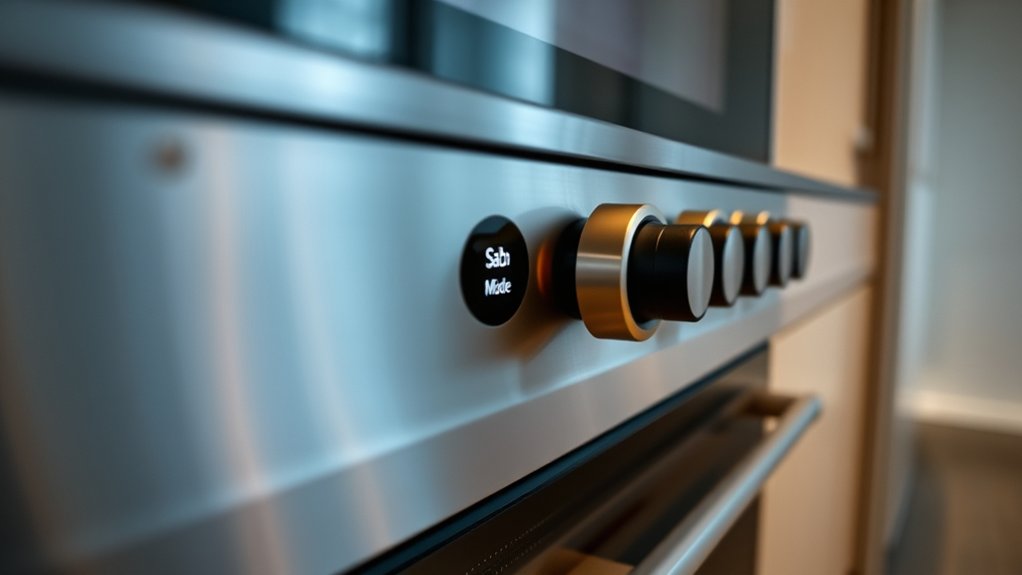
Sabbath mode on an oven is a specialized setting that changes how the appliance operates so it can be used without triggering normal electronic actions. You use it when you need the oven to support Sabbath compliance under specific religious rules.
Sabbath mode alters oven behavior so it can be used without triggering normal electronic actions.
In practice, the control logic alters standard operation so you can maintain a steady cooking process with minimal user interaction. The feature varies by manufacturer, so you should check your model’s manual before relying on it.
Oven customization may include preset temperatures, timed holding, or display adjustments designed for extended use. You’ll usually activate the mode through a dedicated menu or key sequence, then confirm the setting before cooking.
Because implementations differ, you need to verify how your oven handles temperature control, door behavior, and indicator lights. If you’re unsure, review the appliance documentation or contact the manufacturer to ensure the setting matches your requirements.
What Sabbath Mode Turns Off
Sabbath mode turns off heated indicator lights, so you won’t see the usual visual cues that the oven is on or hot.
It also disables automatic timer functions, which means you can’t rely on delayed starts, countdowns, or automatic shutoff. You’ll need to monitor cooking manually because the control logic is limited to keep the oven in compliant operation.
Heated Indicator Lights
Have you ever noticed the small glowing lights on an oven panel or stovetop surface? Those heated indicator lights tell you when a burner or internal surface is still hot.
In Sabbath mode, your oven typically turns them off because even a steady glow can suggest ongoing activity, which may conflict with intended use. This change doesn’t cool the appliance; it only disables the visual cue.
You should still treat the surface as hot and use normal safety checks before touching it. Manufacturers may also suppress these lights to simplify oven aesthetics, so the display looks inactive and unobtrusive.
If you rely on visual status indicators, remember that Sabbath mode limits them, so you’ll need to judge temperature by time, caution, and other non-visual methods.
Automatic Timer Functions
One key feature Sabbath mode disables is the oven’s automatic timer functions, including delayed start, automatic shutoff, and timed cooking cycles. You must start and stop the oven manually, so it won’t change state on its own. This prevents sensors, clocks, and preset routines from intervening during use.
If your model offers alternate lighting, it stays stable instead of cycling with the timer logic. Sabbath mode also blocks energy saving behaviors that depend on automatic countdowns or standby transitions. You can still control temperature with the main settings, but you’ll need to monitor cooking time yourself.
This design keeps operation predictable and compliant with Sabbath observance, while reducing dependence on automated features that normally manage convenience, efficiency, and safety.
How Sabbath Mode Works
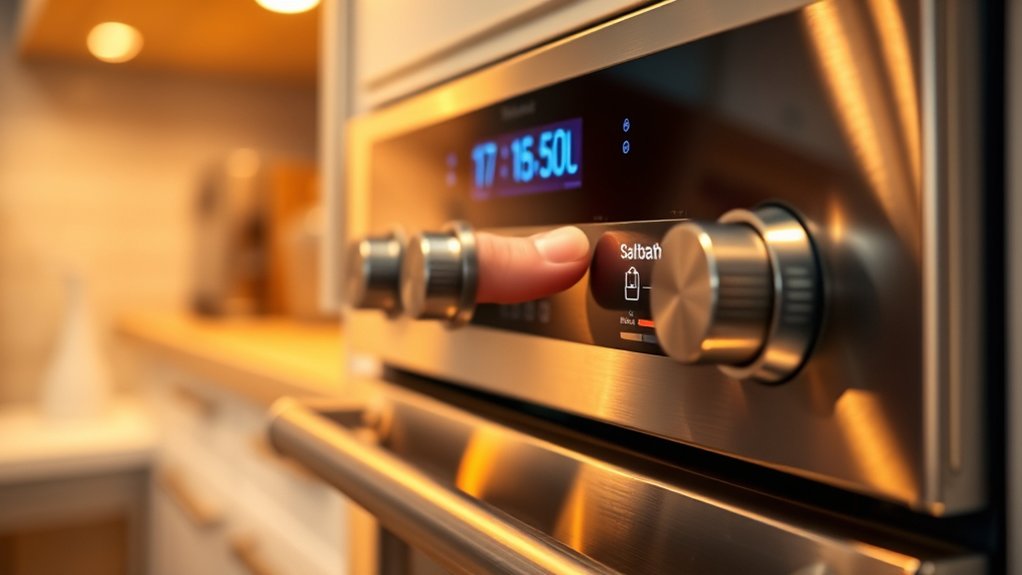
When you enable Sabbath Mode, the oven holds a fixed temperature so you can cook without changing settings. It also disables auto shutoff, which keeps the appliance running continuously during use.
Manual control overrides let you adjust basic operation without triggering the normal electronic responses.
Temperature Hold Function
In Sabbath Mode, the oven uses a temperature hold function to keep heat steady without relying on normal user controls or timed automation. You set the oven before the observance, and Sabbath Mode maintains a fixed internal target with temperature hold logic. This reduces fluctuations and keeps cooking conditions predictable.
| Setting | Effect | Result |
|---|---|---|
| Bake | Holds heat | Stable chamber temperature |
| Convection | Fans off or limited | Even, controlled warmth |
| Warm | Low output | Gentle temperature hold |
You can expect the display and alerts to stay minimal, while the heater cycles only as needed to preserve the selected range. That means you get consistent performance without adjusting dials or restarting programs.
Disabled Auto Shutoff
Another key part of Sabbath Mode is disabled auto shutoff, which keeps the oven from turning itself off after a preset period. You can leave heat running for the duration needed without the control board timing out and ending operation.
This matters for Sabbath compliance because the appliance won’t make automatic changes that interrupt observance. In practical use, you set the oven before Sabbath Mode starts, then it maintains the selected cooking state until you end it manually later.
The feature also supports energy efficiency by preventing unnecessary restarts and reducing heat loss from repeated cycling. However, the oven still consumes power while active, so plan only the heat you need. This steady operation gives you predictable performance and fewer interruptions.
Manual Control Overrides
Manual control overrides let you adjust the oven without triggering the usual electronic responses, so you can keep cooking functions steady during Sabbath Mode. You use knobs, switches, or preprogrammed settings to maintain heat, timing, and temperature with minimal sensor feedback.
This supports traditional cooking when you need predictable operation and reduced interruption. It can also improve energy efficiency by preventing unnecessary displays, alarms, and automatic resets.
- Set temperature manually
- Disable lights and tones
- Hold bake or warming mode
- Avoid timed shutoff changes
- Keep settings stable for long cycles
You should confirm your model’s exact override behavior in the manual, since controls vary by manufacturer.
Why Sabbath Mode Matters
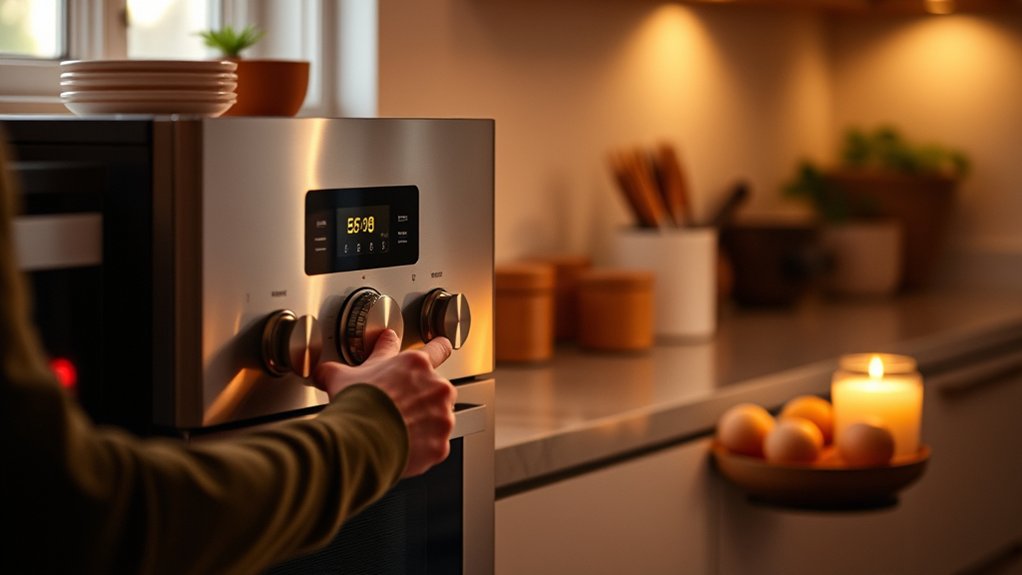
Sabbath mode matters because it lets you keep an oven functional without triggering actions that violate religious observance, such as lights, displays, tones, automatic shutoff, or timed changes. You get a controlled cooking environment that supports tradition vs convenience without forcing you to compromise either one.
It also affects energy efficiency, since the oven can hold heat steadily instead of cycling through unnecessary interface events.
| Benefit | Effect | Practical value |
|---|---|---|
| Stable heat | Limits interruptions | Predictable cooking |
| Disabled alerts | Reduces interaction | Less accidental activation |
| Simplified controls | Preserves observance | Easier compliance |
You should treat Sabbath mode as a compliance feature, not a comfort feature. It reduces operational variables, so you can focus on food preparation, timing, and safety.
In practice, that means fewer surprises, fewer prohibited inputs, and a more consistent cooking process during restricted periods.
How to Turn On Sabbath Mode
To use Sabbath mode, you’ll usually start by checking your oven’s model-specific controls in the owner’s manual or on the manufacturer’s support page. Then you can confirm the exact button sequence before you change settings. On many units, you’ll press and hold a menu key, choose “Sabbath,” and verify with Start. If your panel locks, unlock it first.
- Verify the model number
- Read the control sequence
- Set the temperature in advance
- Confirm the display indicator
- Test the procedure before needed
Use this setup when you plan Sabbath compliant meals, since you’ll need the oven ready before the observance begins. Keep the door closed after activation, and avoid unnecessary adjustments.
For oven maintenance, wipe the control panel regularly and inspect the manual so you don’t miss firmware or reset instructions. If the mode won’t engage, check for a demo setting, a tripped lockout, or an error code.
What to Expect in Sabbath Mode
In Sabbath mode, your oven usually keeps a steady heat setting while disabling most timed functions, beeps, and automatic shutoff features. You’ll typically see a locked clock display or blank panel, and you may need to manage cooking time yourself.
Expect manual control over temperature, since the oven won’t adjust for preprogrammed cycles. This mode can maintain heat for long baking sessions, so you can better track texture and doneness without interruptions.
| Feature | Typical Behavior | Effect |
|---|---|---|
| Display | Limited or blank | Reduces visual prompts |
| Sound | Beeps off | No audible alerts |
| Timing | Disabled | You set durations |
Because controls stay quiet, kitchen aromas may build gradually, and baked foods can develop more randomized flavor from longer, even exposure. You should still verify your model’s exact indicators, because manufacturers implement Sabbath mode differently across ovens and ranges.
Safety Tips for Using Sabbath Mode
Before you use Sabbath mode, verify that the oven is functioning normally and that you understand how your model handles heat, displays, and shutdowns. Check the manual, confirm the safety certification, and inspect the door seal, racks, and controls before you start. Keep the area around the appliance clear, and use dry mitts when loading or removing cookware.
- Set only the cooking time you need.
- Use cookware rated for high oven temperatures.
- Place food centrally for even heating.
- Avoid touching the control panel once mode begins.
- Confirm the oven’s energy efficiency settings match your intended use.
Monitor the oven externally, and never leave combustible items nearby. If you notice unusual odors, inconsistent heating, or error indicators, stop use and contact service. You should also test the kitchen smoke alarm regularly, because Sabbath mode can reduce visible feedback while the oven still operates.
Sabbath Mode Limitations
Sabbath mode limits how your oven behaves, so you shouldn’t expect full normal controls while it’s active. You may lose displays, timers, audible alarms, automatic shutoff, and some touch functions. In many models, you can still set temperature and start cooking, but you can’t adjust settings once mode begins without exiting it.
Sabbath mode reduces normal oven controls, often disabling displays, timers, alarms, and some touch functions.
That means you should plan cooking time carefully before activation. Heating may stay on longer than usual, so verify food with an external thermometer if your recipe depends on accuracy.
You also need to check your owner’s manual because limitations vary by brand and model. Some ovens only meet sabbath compliance when paired with specific settings or connected appliances.
Sabbath mode can also affect energy labeling assumptions, since it may keep electronics and heating elements operating differently from standard use. Always confirm whether the oven’s configuration matches your intended use, then test it before the Sabbath begins.
Frequently Asked Questions
Can Sabbath Mode Be Used During Cooking Marathons?
Yes, you can use Sabbath mode during cooking marathons if your oven supports it, but you must verify Sabbath compliance and maintain oven safety. Some features disable timers, lights, and automatic shutoff.
Does Sabbath Mode Affect Oven Self-Cleaning Functions?
Yes, you’ll find Sabbath mode usually disables self-cleaning, since Sabbath restrictions and safety prohibitions limit automated heating cycles.
You should check your model’s manual, because some ovens lock cleaning functions entirely while mode’s active.
Is Sabbath Mode Available on All Oven Brands?
No, you won’t find Sabbath mode on every oven brand. Irony aside, technology loves exceptions.
You should check Sabbath compatibility first, because brand limitations often decide availability, features, and exact menu behavior.
Can You Disable Sabbath Mode Before the Timer Ends?
Yes, you can usually disable Sabbath mode before the timer ends, but Sabbath mode limitations vary by oven. Timer ending disablement often requires pressing a specific cancel or reset control; check your model’s manual first.
Does Sabbath Mode Impact Oven Temperature Accuracy?
Yes, it can affect your Sabbath accuracy slightly if your oven uses simplified control cycles, but temperature stability usually stays acceptable. You should check your model’s manual, because behavior varies by manufacturer and calibration.
Conclusion
Sabbath mode lets you cook with fewer interruptions by keeping your oven steady while turning off lights, sounds, timers, and automatic shutoffs. You still need to monitor food externally, since the oven won’t manage doneness for you.
In fact, nearly 1 in 5 modern ovens includes some form of Sabbath mode, showing how common it’s become. Before you use it, check your model’s manual so you know exactly what stays on and what turns off.
Understanding these details will help you make the most of Sabbath mode on an oven.